SSL Cerificate SSL Certificate Provider Company

SSL Firm Support for SSL Certificate
Support, SSL Support, SSL Certificate Support Provider in India, Support, SSL Support, SSL Certificate Support Provider in India, We support CSR creation, intermediate chain installation, and Wildcard/SAN management Support Provider in India
Support for SSL/TLS certificates includes
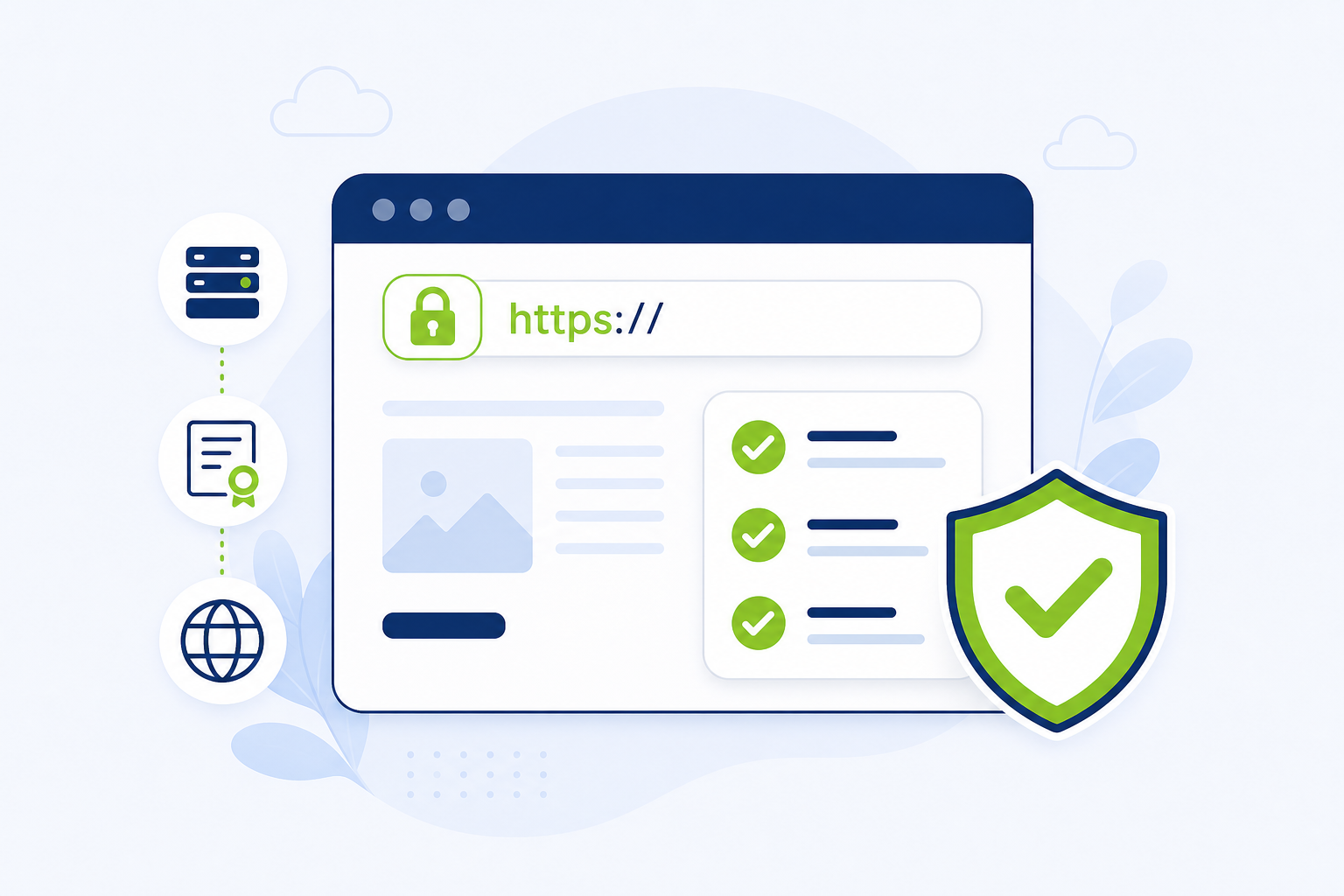
Generation, Validation, Installation, and renewal services to enable HTTPS, ensuring encrypted, secure communication between browsers and servers. Expert support covers Troubleshooting, CSR creation, intermediate chain installation, and Wildcard/SAN management, often provided 24/7 by certificate authorities like DigiCert, GlobalSign, and SSL.com
Key Areas of SSL Certificate Support
- CSR Generation: Guidance on creating Certificate Signing Requests on various servers (Apache, IIS, Nginx).
- Validation: Assisting with Domain Validation (DV), Organization Validation (OV), and Extended Validation (EV) processes.
- Installation: Technical assistance with installing certificates on web servers, load balancers, and VPNs.
- Renewal & Reissue: Managing certificate lifecycles to prevent expiration and updating certificates if needed.
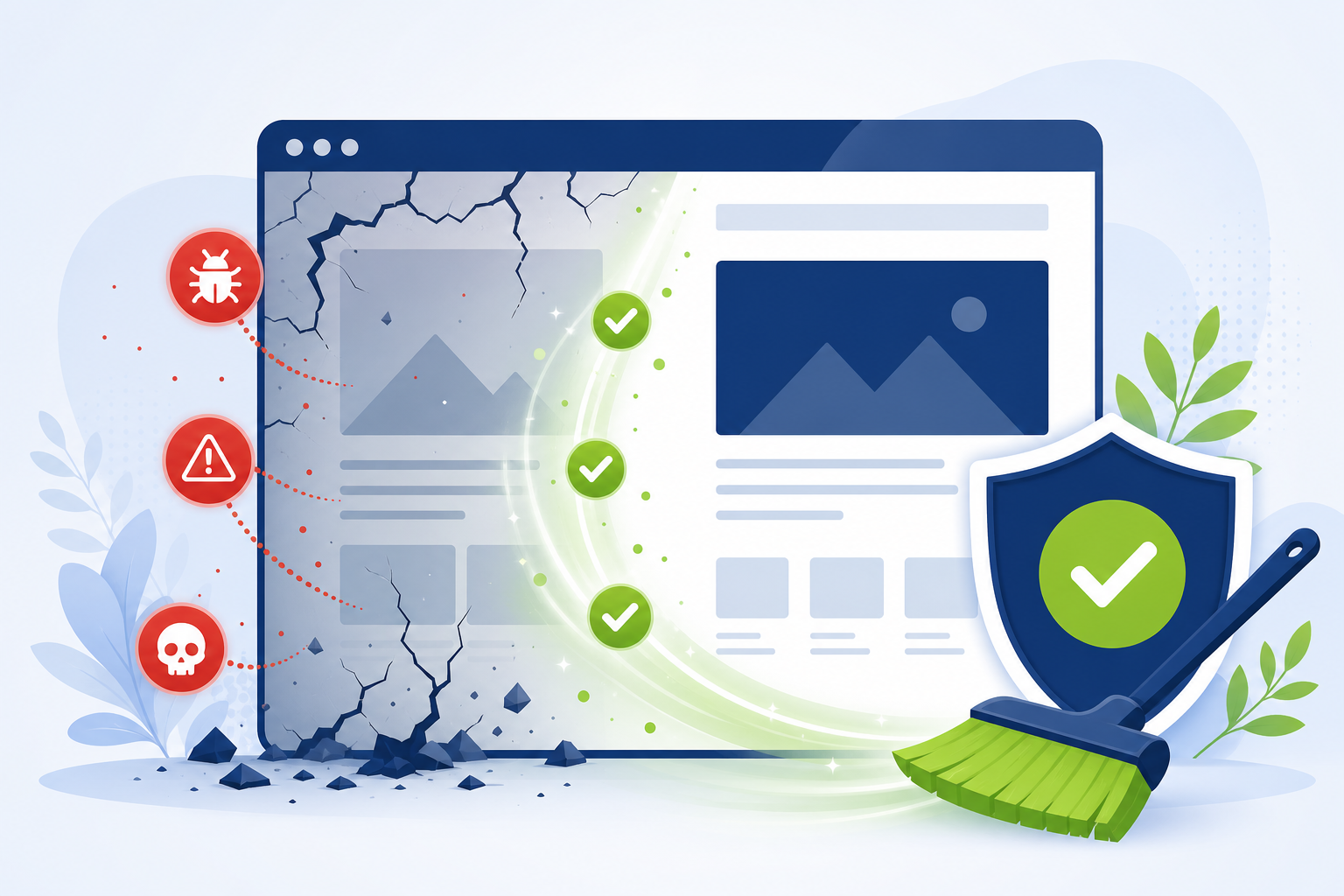
- Troubleshooting: Fixing trust errors, chain certificate issues, and configuration errors.
Common SSL Issues Handled
- Expired Certificate: Renewing or replacing expired certificates.
- Chain Issues: Installing missing intermediate certificates to establish trust.
- Wrong Domain Name: Ensuring the certificate matches the URL (SAN/Wildcard issues).
- Mixed Content Warnings: Resolving issues where HTTPS pages load HTTP resources.
. While the ultimate goal proposed was 90 days, the formally adopted schedule is even stricter, moving toward a 47-day maximum lifespan by 2029
This is a mandatory security change, not an option, aimed at reducing the risk of compromised certificates and speeding up the adoption of automated certificate management.
SSL Certificate Tools
Life is too short to waste time troubleshooting SSL problems. SSL Firm’s SSL Certificate Tools will save you a lot of time and headaches (and maybe even your job!). You will be able to troubleshoot, test, check, generate, verify, convert, and otherwise manage common SSL issues using these simple SSL Tools. Make sure you have JavaScript enabled in your web browser or the tools won’t work. And don’t forget about our SSL comparison tool if you still need to buy an SSL certificate.
Choose the SSL Tool that you need from the list below:
Check Your SSL Certificate
Check Your SSL Certificate Installation, Verify your SSL Certificate Installation online
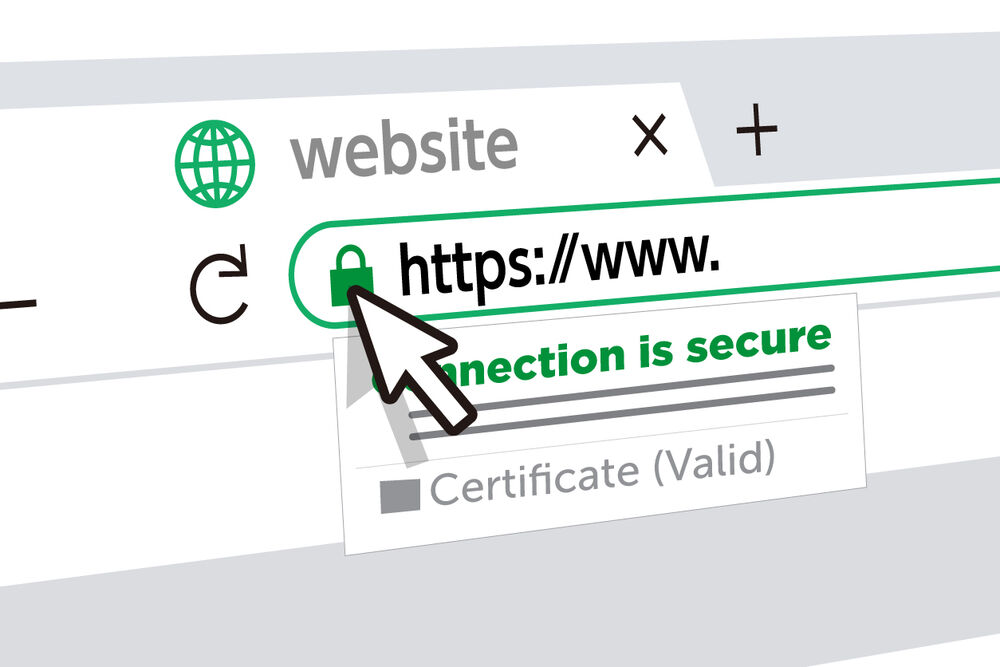
Check Your SSL Certificate Installation, Verify your SSL Certificate Installation online
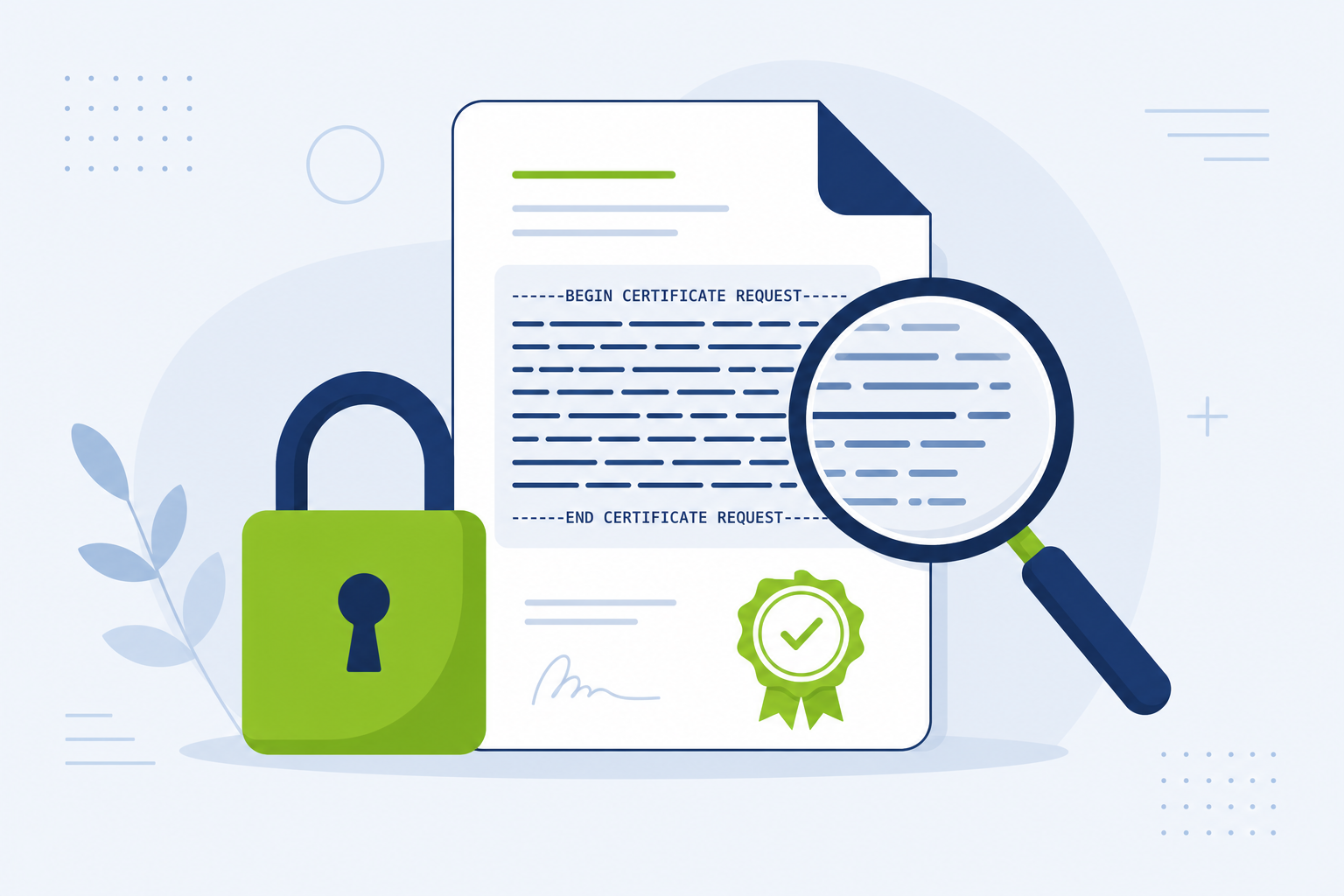
Check your CSR – Certificate Signing Request
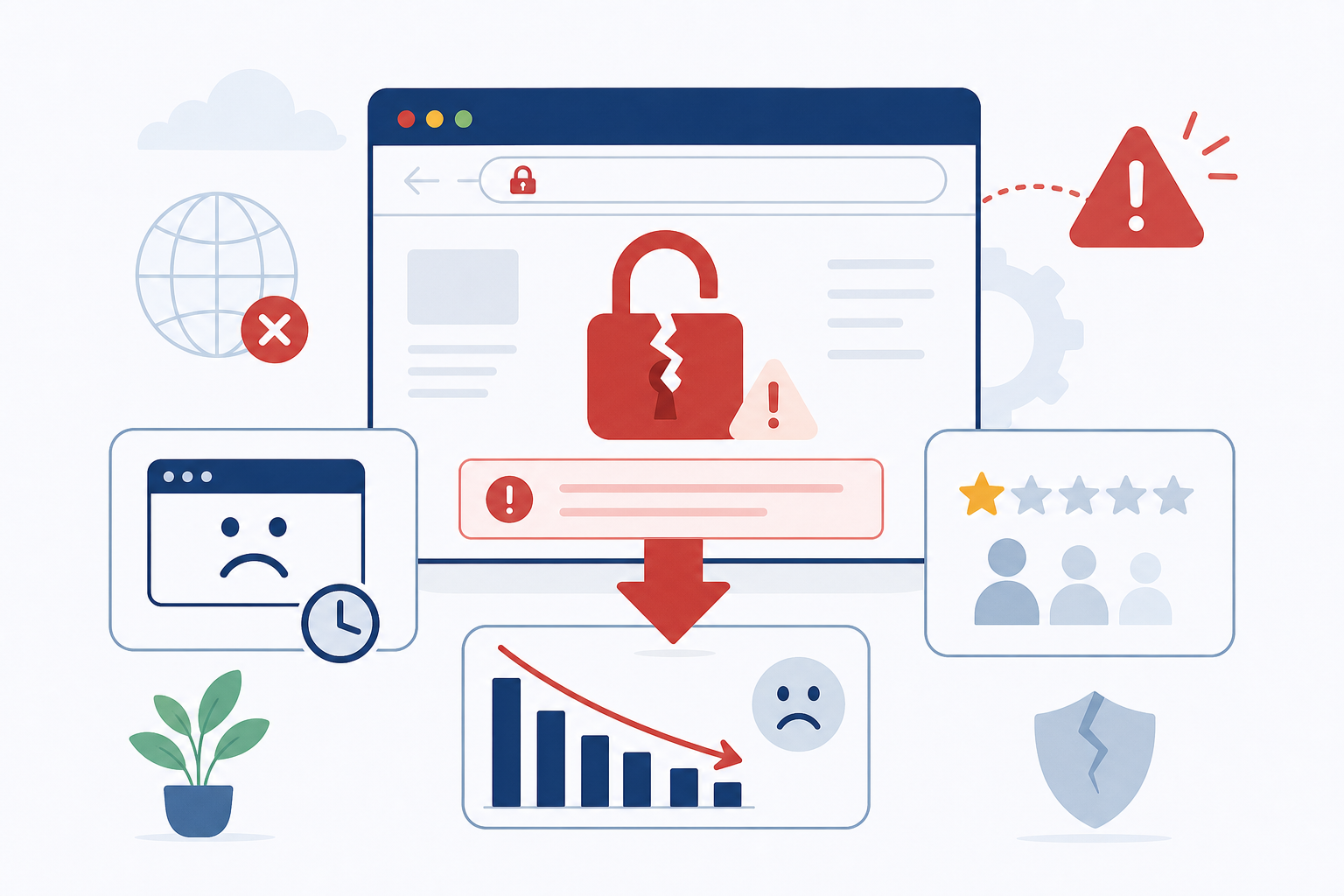
If your SSL certificate expires, your website goes down, customers can’t trust you—and you lose business.
We monitor SSL expiry and uptime and alert you before it impacts your revenue.
Monitor your SSL Certificate
Monitor SSL Certificate, Free Expiry Alerts & Checker
Instantly verify SSL/TLS Certificate Validity, Expiration Dates, and security details, Get alerts vie email
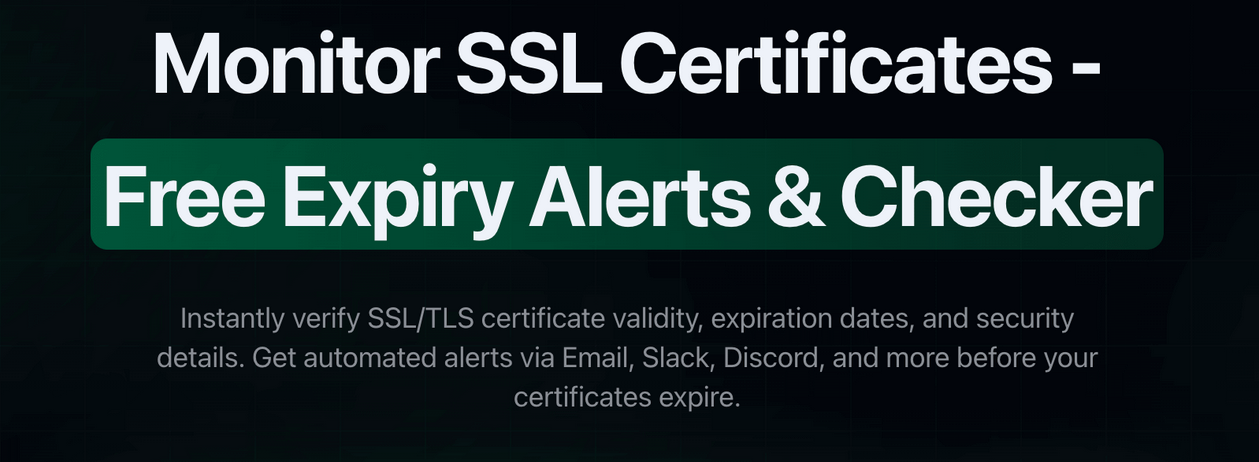
Monitor SSL Certificate, Free Expiry Alerts & Checker Instantly verify SSL/TLS Certificate Validity, Expiration Dates, and security details, Get alerts vie email